
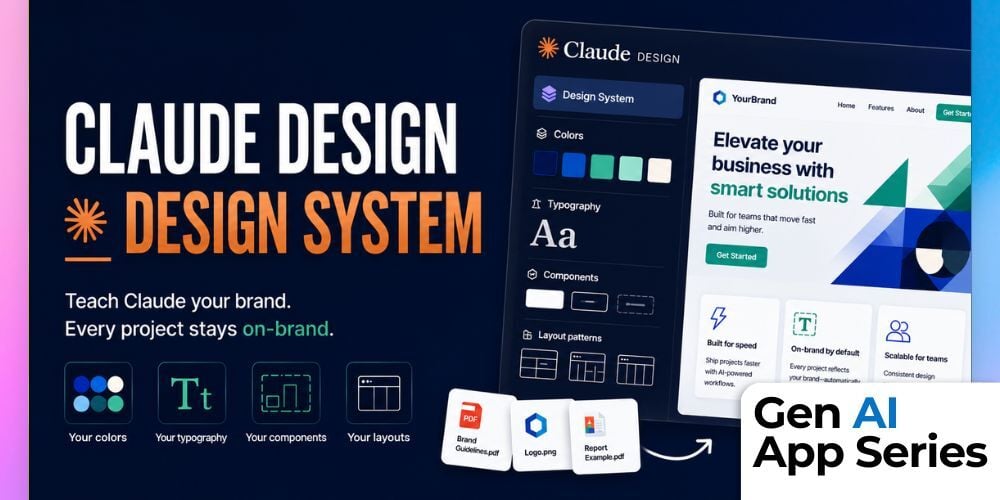
What if every AI-generated design already looked like your brand instead of generic AI output? In the latest course in the Gen AI App Series, Claude Design — Design System, Mike Kaput walks through how Claude Design can learn your company’s visual identity once and apply it automatically across future projects. From colors and typography to reusable components and layouts, this feature helps teams create polished, on-brand assets without rebuilding the same design rules every time.
In this course, you’ll see exactly how to create a Design System inside Claude Design using existing brand assets like logos, reports, screenshots, and style guides. Mike demonstrates how Claude extracts a reusable UI kit directly from those materials, then applies it to a real landing page build so every output immediately feels more aligned with your company’s look and voice. Along the way, you’ll also learn where the process breaks down, including an important file size limitation that can quietly derail uploads if you are not prepared for it.
This course is especially valuable for marketers, product managers, founders, and non-designers who need professional visual consistency without mastering tools like Figma. It also offers practical insight for design leaders who want scalable brand governance across teams using AI-generated assets. Instead of relying on generic prompts and manual cleanup, you’ll learn how to create a reusable foundation that helps Claude produce outputs that feel intentional, branded, and production-ready from the start.
What You’ll Learn
- How to create a Design System in Claude Design using your existing brand materials
- How to upload logos, guidelines, screenshots, and examples that Claude can reuse automatically
- How Claude extracts colors, typography, components, and layout patterns into a reusable UI kit
- Which file formats and upload limitations matter when building a Design System
- How to publish a Design System for team-wide use across future projects
- How branded systems improve the consistency and quality of AI-generated designs
- Best practices for reducing generic AI design output and maintaining visual identity at scale
How to Watch
Each week, the Gen AI App Series releases a focused walkthrough from Mike Kaput, Claire Prudhomme or members of the AI Academy Instructor Network. You’ll see the ins and outs of a single AI tool, from productivity apps and research assistants to image, video, and generative media platforms. We want you to leave with a better of understanding of if, when, and how it fits into your workflow.
Courses are also available for individual purchase and are included with AI Mastery Memberships. Watch or purchase the course here: Gen AI Apps Series: Claude Design — Design System.
This article was written with support from ChatGPT

Jeremy Zimmer
Jeremy Zimmer is the Director of Marketing for AI Academy by SmarterX.