
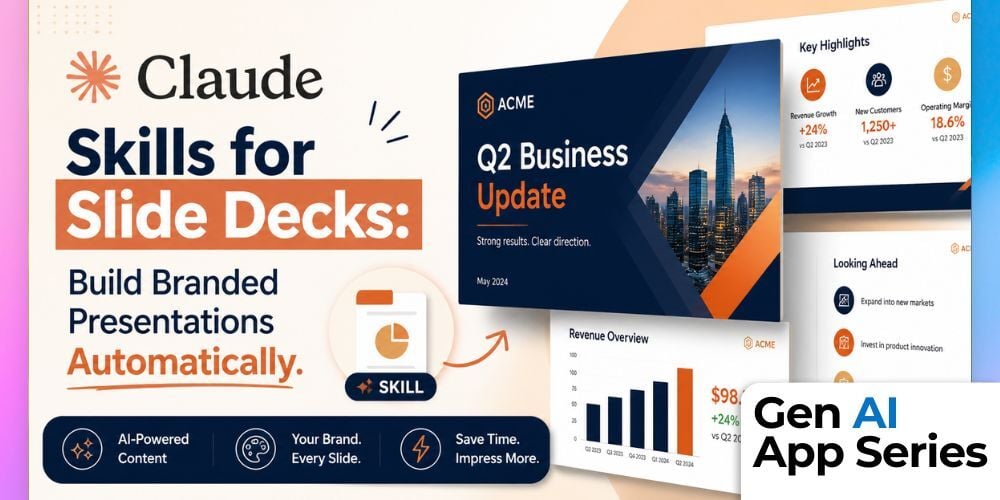
What if you could teach Claude exactly how your brand builds presentations and never have to explain it again? In this Gen AI App Series course, you’ll learn how to turn your slide creation process into a reusable Claude Skill that delivers consistent, on-brand decks every time. Instead of starting from scratch, you’ll define your standards once and let Claude handle the execution.
In this 20-minute course, we walk through a real-world example using the Trust Insights slide deck skill. You’ll reverse-engineer how a skill works, explore the structure of a SKILL.md file, and see how instructions, formatting rules, and brand standards come together into a single system. This is not theory. You will see exactly how a working skill is built and why it produces more reliable results than one-off prompting.
By the end of the course, you’ll watch the skill generate a complete slide deck in real time. Along the way, you’ll learn how to define slide types, encode visual standards, and package your skill so your entire team can use it. Whether you are building presentations yourself or leading a team that does, this course shows you how to make AI a repeatable, scalable part of your workflow.
What You’ll Learn
- Understand what a Claude Skill is and how it differs from one-off prompts
- Read and write a SKILL.md file, including structure and key components
- Encode brand standards like colors, typography, and layouts into a reusable system
- Define slide types and content patterns for consistent presentation outputs
- Watch a Claude Skill generate a full slide deck in real time
- Package and share skills so your team can use them consistently
How to Watch
Each week, the Gen AI App Series releases a focused walkthrough from Mike Kaput, Claire Prudhomme or members of the AI Academy Instructor Network. You’ll see the ins and outs of a single AI tool, from productivity apps and research assistants to image, video, and generative media platforms. We want you to leave with a better of understanding of if, when, and how it fits into your workflow.
Courses are also available for individual purchase and are included with AI Mastery Memberships. Watch or purchase the course here: Gen AI App Series: Claude Skills for Slide Decks.
This article was written with support from ChatGPT

Jeremy Zimmer
Jeremy Zimmer is the Director of Marketing for AI Academy by SmarterX.