
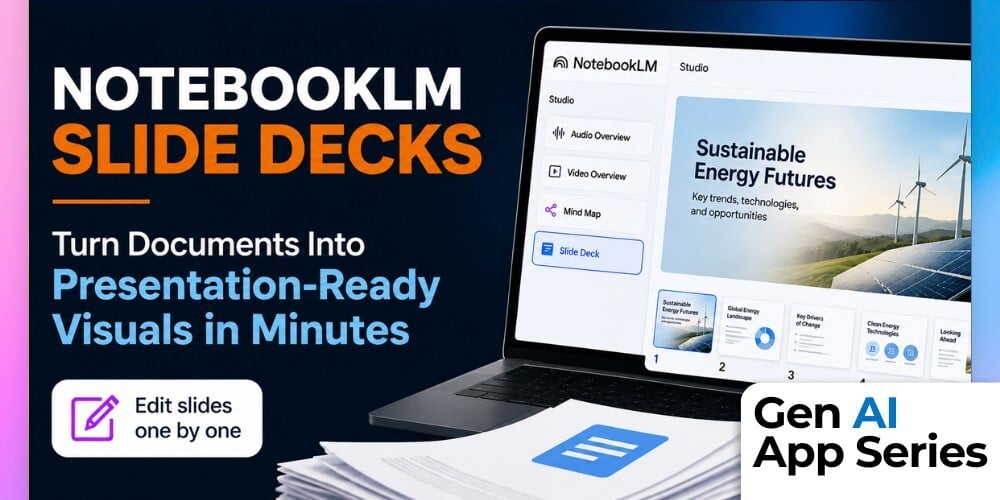
What if your dense documents could quickly turn into easy-to-absorb visuals? In the latest addition to the Gen AI App Series, Gen AI Apps Series: NotebookLM — Slide Decks, Susan Valerian explores NotebookLM's newest visual content creation capability and shows how uploaded sources can be transformed into presentation-ready slide decks in minutes. Rather than manually moving text blocks, selecting layouts, and searching for visuals, users can generate structured presentations directly from their research and documents.
In this course, you'll learn how NotebookLM's Studio panel powers Slide Deck generation, including the ability to create both Detailed and Presenter-style presentations from source materials. Through live demonstrations and hands-on examples, Susan walks through the process of generating decks, applying steering prompts, customizing outputs, and using NotebookLM's new slide-by-slide editing capabilities. You'll also see how PowerPoint export works and where these features fit into real-world workflows.
As with every course in the Gen AI App Series, the goal is to help AI Mastery Members quickly evaluate emerging AI tools and features. Susan provides a practical assessment of the strengths, limitations, and pricing considerations surrounding Slide Decks, helping you determine whether NotebookLM's visual content generation capabilities are worth incorporating into your own work.
What You'll Learn
- Understand what Slide Decks are and how they fit into NotebookLM's Studio panel.
- Generate Slide Decks from source documents using both Detailed and Presenter formats.
- Apply steering prompts and customization options to improve slide quality and relevance.
- Navigate per-slide editing tools and PowerPoint export functionality.
- Evaluate the strengths, limitations, and pricing considerations of NotebookLM Slide Decks.
- Determine when Slide Decks can save time and when traditional presentation workflows may still be preferable.
How to Watch
Each week, the Gen AI App Series releases a focused walkthrough from Mike Kaput, Claire Prudhomme or members of the AI Academy Instructor Network. You’ll see the ins and outs of a single AI tool, from productivity apps and research assistants to image, video, and generative media platforms. We want you to leave with a better of understanding of if, when, and how it fits into your workflow.
Courses are also available for individual purchase and are included with AI Mastery Memberships. Watch or purchase the course here: Gen AI Apps Series: NotebookLM — Slide Decks.
This article was written with support from ChatGPT

Jeremy Zimmer
Jeremy Zimmer is the Director of Marketing for AI Academy by SmarterX.