
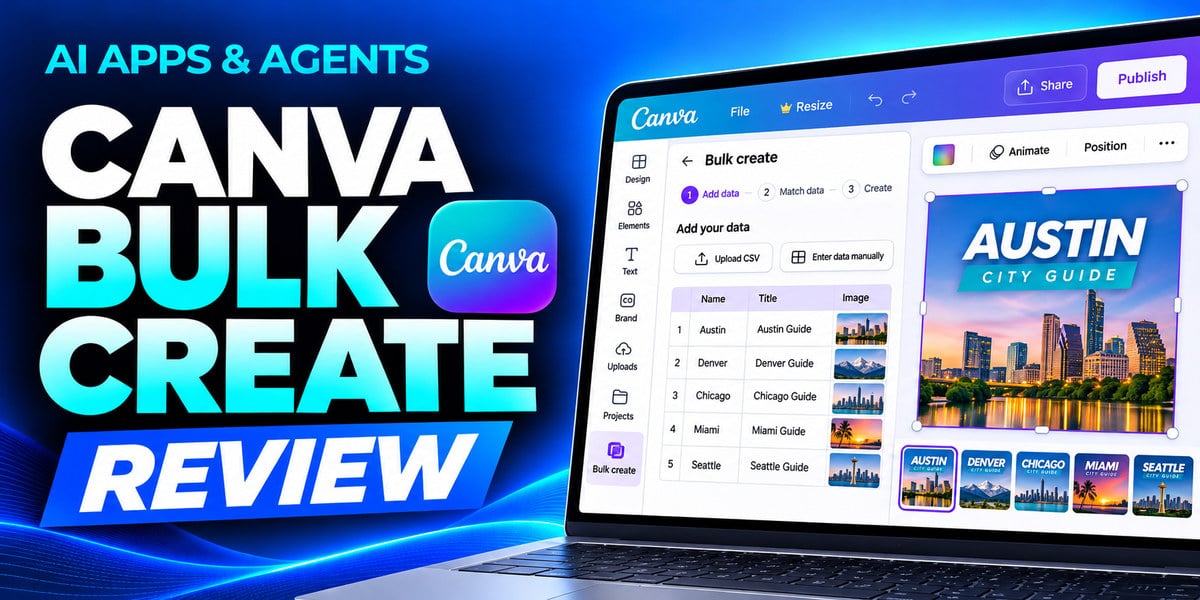
Every speaker needs their own graphic. The layout stays the same, but the name, title, company, and headshot change. For a conference like MAICON, making those edits one design at a time adds up fast.
In AI Apps & Agents Series: Canva Bulk Create, SmarterX Chief Marketing Officer Cathy McPhillips walks through the actual MAICON workflow. You’ll see how she turns one Canva template and a spreadsheet of 27 speakers into 27 finished graphics in minutes.
Where AI Fits into Canva Bulk Create
Canva Bulk Create uses spreadsheet rows to generate variations of a single design. Its AI-powered Auto-match fields feature helps connect spreadsheet columns to the corresponding elements in your template, such as speaker names, job titles, and headshots.
Cathy takes you through the full process, from connecting an XLSX file or Canva Sheet to checking the generated designs. You’ll see what to do when a headshot fails to map or a job title is too long for the layout, and how to prepare your spreadsheet and template to catch those issues early.
When Bulk Create Makes Sense
The same workflow can help event teams produce sponsor toolkits, media partner graphics, and badges. Marketing teams can use it for ad variations, and training teams can use it for personalized certificates.
The review also covers practical limits, including row caps, desktop-only access, and the lack of live sync. You’ll learn how to check whether your Canva plan includes Bulk Create and how much review to budget for before publishing a batch.
Meet Your Instructor
Cathy McPhillips is the Chief Marketing Officer at SmarterX, where she leads marketing across SmarterX, Marketing AI Institute, MAICON, and AI Academy. She co-hosts the AI Answers episodes of The Artificial Intelligence Show and speaks at MAICON.
How to Watch
This beginner-level review runs approximately 15 minutes and was released November 20, 2026.
Watch AI Apps & Agents Series: Canva Bulk Create
The course is available to AI Mastery Membership members and is also available for individual purchase.
This blog post was written with support from ChatGPT.

Cathy McPhillips
Cathy McPhillips is the Chief Marketing Officer at SmarterX and Marketing AI Institute