What if your AI assistant could do more than answer questions? What if it could research topics, navigate websites, prepare for meetings, and complete multi-step tasks while you focus on something else?
That's the promise of personal AI agents, and Meta Muse offers a look at how this emerging technology could change the way we work.
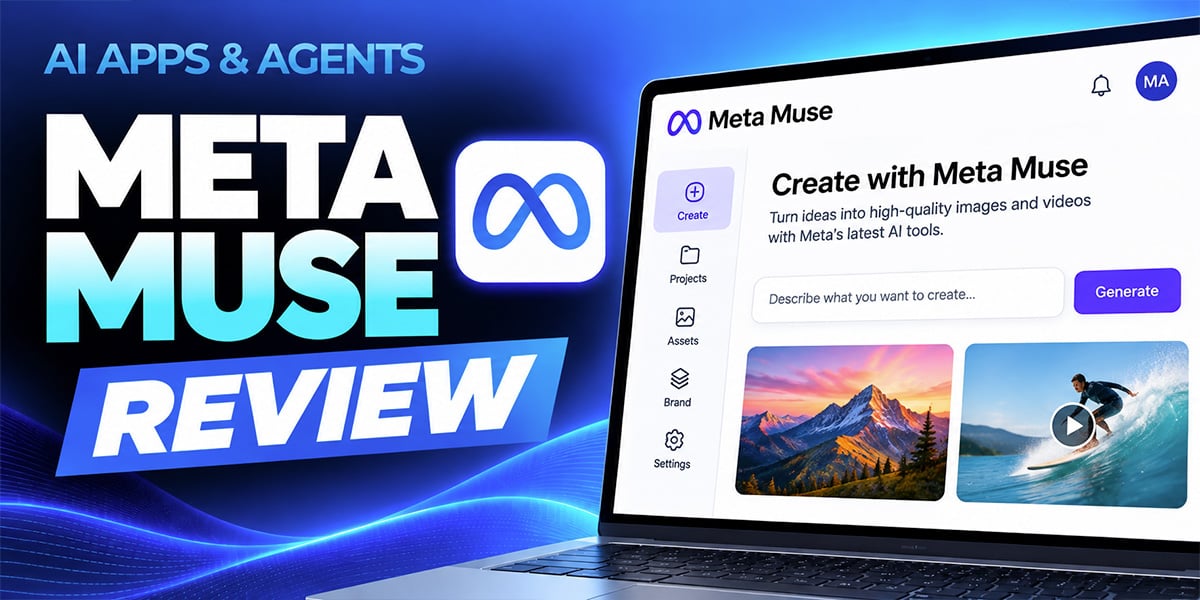
In our latest AI Apps & Agents Series course, Meta Muse, Brittany Passavanti, Senior Customer Success Manager at SmarterX, explores how Meta's personal AI agent moves beyond traditional chatbots to take action on your behalf.
This 21-minute course examines Muse's capabilities, workspace features, security controls, and practical applications to help you decide whether it's a tool worth adding to your AI toolkit.
What Is Meta Muse?
Meta Muse is a personal AI agent designed to execute tasks, not just generate responses.
Unlike traditional conversational AI tools that primarily produce text, Muse can navigate the web, interact with connected applications, and complete workflows involving multiple steps.
One of its defining features is the Muse Secure VM, an isolated cloud browser environment that allows the agent to perform tasks asynchronously. That means Muse can work in the background without requiring you to keep your screen open or actively supervise every step.
Muse also includes workspace features such as Side Chats and a Library tab to help organize conversations, manage ongoing work, and access structured deliverables.
The result is a different approach to AI assistance, one focused on completing work rather than simply providing information.
What You'll Learn in This Course
In AI Apps & Agents Series: Meta Muse, Brittany walks through the platform's core features and demonstrates how personal AI agents can support everyday productivity.
You'll explore:
- Agentic workflows: Understand how Muse handles multi-step tasks, navigates websites, and takes actions rather than simply responding to prompts.
- Background task execution: See how Muse uses its isolated cloud browser to perform asynchronous workflows while you work on other priorities.
- Workspace organization: Explore Side Chats, the Library tab, and other features designed to manage conversations and deliverables.
- App integrations: Learn how Muse connects with tools such as Gmail and Google Calendar to support workflows across applications.
- Security and permissions: Understand human-in-the-loop controls, read versus write permissions, safety monitoring, and data privacy considerations.
- Pricing and adoption: Compare Muse's Free, Power, and Maximum tiers to evaluate which level of access makes sense for your needs.
The course also introduces a practical framework for identifying tasks that might benefit from delegation to an AI agent.
From AI Conversations to AI Actions
One of the biggest shifts in AI is the move from systems that provide answers to systems that can independently carry out work.
Consider a few everyday examples.
Research and information gathering: Instead of manually visiting multiple websites, collecting information, and organizing your findings, an AI agent can navigate sources and compile the results.
Meeting preparation: An agent can potentially bring together relevant information from connected applications to help you prepare for upcoming conversations.
Multi-step productivity workflows: Tasks that require several actions across websites or applications can become candidates for AI-assisted execution.
These examples illustrate why personal AI agents are generating interest. They offer the potential to reduce repetitive work and free up time for higher-value activities.
But greater autonomy also introduces new considerations.
Why Security and Human Oversight Matter
Giving an AI system permission to take action on your behalf requires a different level of trust than asking it to summarize a document.
That's why this course dedicates attention to Muse's safety and privacy controls.
Brittany examines how permissions can be configured, why distinguishing between read and write access matters, and how human-in-the-loop oversight can help reduce risks.
You'll also explore the importance of understanding what information an agent can access, which actions it can perform, and when human approval should remain part of the workflow.
The goal isn't simply to automate more tasks. It's to identify opportunities where AI agents can deliver meaningful value while maintaining appropriate control.
Is Meta Muse Worth Exploring?
As personal AI agents continue to evolve, professionals need a practical way to evaluate new tools without getting distracted by every new feature or announcement.
This course helps you approach Muse with that mindset.
Rather than focusing exclusively on what the technology can do, Brittany encourages you to consider what it should do for you.
Which recurring tasks consume unnecessary time? Which workflows involve predictable steps? Where could an agent help, and where would human judgment remain essential?
By the end of the review, you'll have a clearer understanding of Muse's capabilities, limitations, pricing considerations, and potential role in your daily workflow.
Watch the Meta Muse Review
Course: AI Apps & Agents Series: Meta Muse
Instructor: Brittany Passavanti, Senior Customer Success Manager at SmarterX
Level: Beginner to Intermediate
Duration: 21 minutes
Released: November 2026
Watch AI Apps & Agents Series: Meta Muse
The course is available to AI Mastery Membership members and is also available for individual purchase.
This blog post was written with support from ChatGPT.
Jeremy Zimmer
Jeremy Zimmer is the Director of Marketing for AI Academy by SmarterX.