
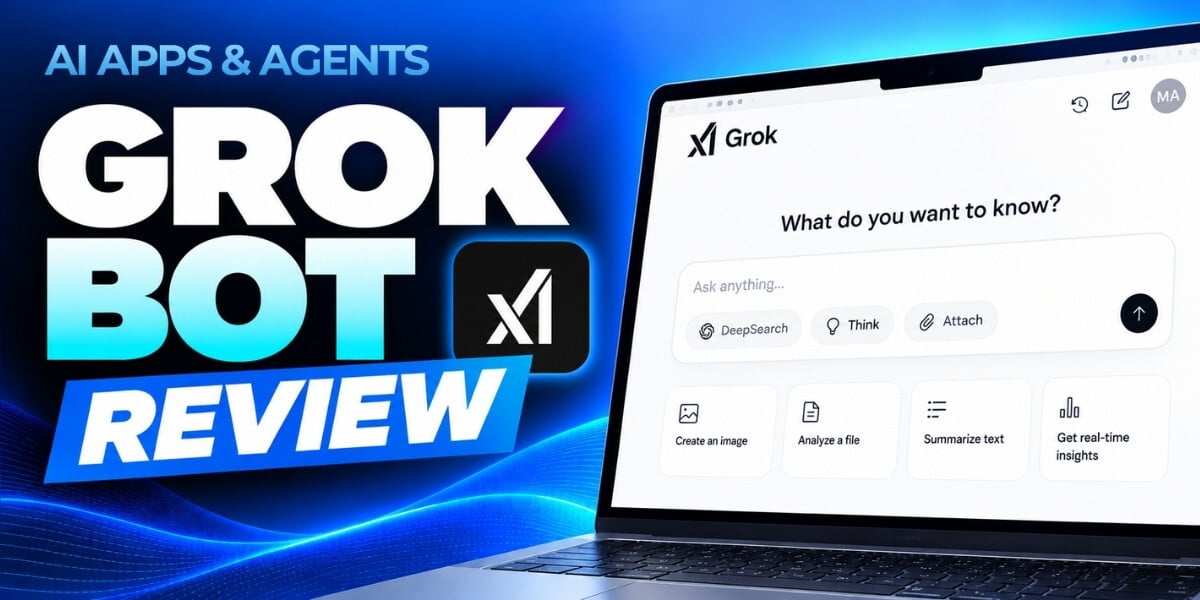
What if you could hand off your inbox, timesheets, meeting prep, and everyday administrative tasks to a team of AI bots that keep working even after you log off?
That is the core promise of Grok Bot—an AI automation tool designed to help professionals coordinate work across the apps and systems they already use.
In the latest installment of our AI Apps & Agents Series, Brian Brinkman, partner at Stream Creative, takes a practical look at Grok Bot, exploring how specialized AI bots can handle repetitive work, coordinate across business tools, and free up time for higher-value activities.
The new 30-minute review, AI Apps & Agents Series: Grok Bot, examines real-world applications, limitations, and the considerations that matter before giving AI access to your workflows.
What Is Grok Bot?
Grok Bot represents a shift from using AI as a chatbot to using AI as a team of digital assistants capable of carrying out tasks across multiple applications.
Instead of opening ChatGPT or Claude to ask a question, you can assign work to specialized bots that interact with email, calendars, collaboration platforms, and business systems—including Google Workspace, Slack, HubSpot, QuickBooks, and Harvest.
For example, you might create a central "chief of staff" bot that coordinates requests and delegates responsibilities to other bots focused on marketing, media, operations, or accounting.
The goal isn't simply to generate answers. It's to help get work done.
What Can You Actually Do With Grok Bot?
In this course, Brinkman shares how he's experimenting with a team of AI bots to manage responsibilities across his agency and personal life.
- Automate timesheets and administrative work: See how Grok Bot can review information from calendars, email, and Slack to draft a daily timesheet and enter the information into Harvest.
- Manage email and meeting preparation: Explore how bots can help triage inboxes, draft replies, organize reminders, and prepare for meetings using information already available in connected applications.
- Coordinate specialized business functions: Learn how a chief-of-staff bot can delegate requests to specialized assistants responsible for marketing, operations, accounting, and other activities.
- Handle multi-step web tasks: Discover examples of bots navigating websites, completing forms, gathering information, and managing requests—including real-world examples with stadium parking refunds, city permit applications, and travel planning.
- Work across devices and applications: Explore the potential for AI bots to provide assistance across your laptop, phone, and other connected environments, rather than being limited to a single chat window.
What Are the Risks and Limitations?
Giving an AI bot access to your email, calendar, files, and business applications introduces important questions about security, privacy, and control.
The course examines these trade-offs, including how much access to provide, when human oversight is necessary, and where automation can encounter obstacles like CAPTCHAs, usage caps, and pricing considerations.
For businesses evaluating AI bots, these questions are just as important as the potential productivity gains. The course helps learners think through where to begin experimenting, which tasks are appropriate to delegate, and how to maintain oversight as bots take on more responsibility.
Learn From a Practitioner Putting AI Bots to Work
The course is led by Brian Brinkman, partner at Stream Creative, a full-service marketing agency and HubSpot partner based in Milwaukee, Wisconsin. As an agency owner, Brinkman manages responsibilities across operations, accounting, client media, and marketing. His review draws on hands-on experimentation with AI bots in those environments to share what works, where tools struggle, and what to consider before adopting them.
How to Watch
The AI Apps & Agents Series: Grok Bot course is available now through AI Academy by SmarterX.
The course is included for AI Mastery Membership members and is also available for individual purchase.
This article was written with support from ChatGPT.

Jeremy Zimmer
Jeremy Zimmer is the Director of Marketing for AI Academy by SmarterX.