
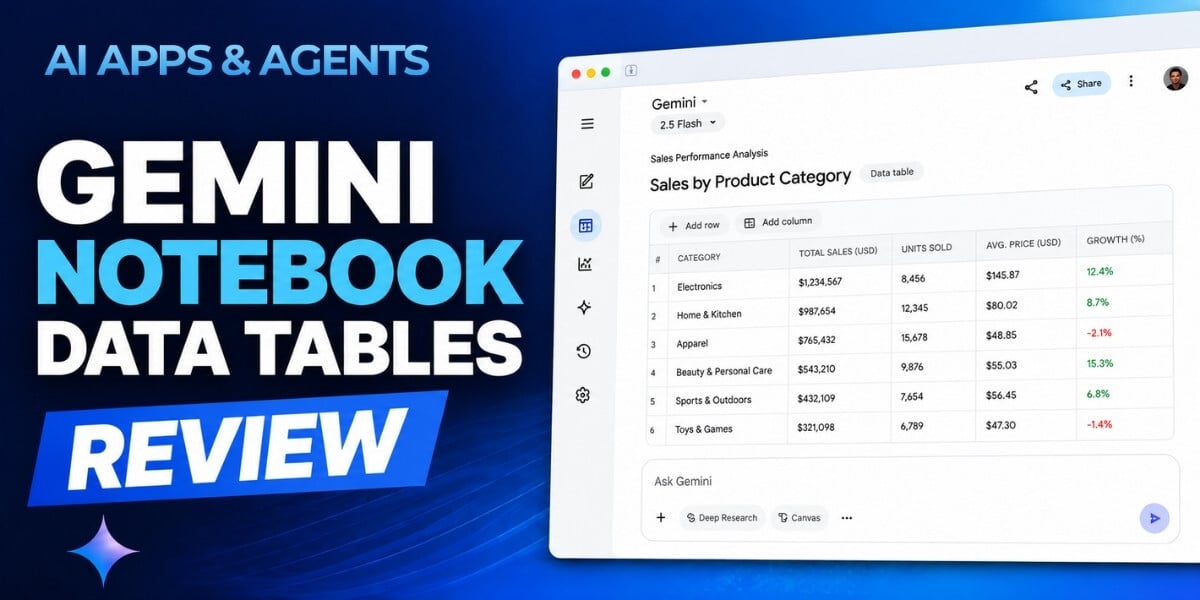
Gemini Notebook keeps expanding what you can do with the sources you already have. One of its most practical Studio features, Data Tables, can read across uploaded documents, reports, and web sources and organize the information you need into a structured table.
Instead of manually pulling details from multiple pages or rebuilding comparisons in a spreadsheet, you can prompt Gemini Notebook to assemble the information for you. You can then sort, compare, and export the results to Google Sheets for further analysis.
In this installment of the AI Apps & Agents Series, Taylor Radey puts Gemini Notebook Data Tables through its paces to see where it saves time, where it handles calculations well, and where human verification still matters.
What Are Gemini Notebook Data Tables?
Gemini Notebook, previously NotebookLM, includes Data Tables as an option in its Studio panel. The feature uses the sources you have added to a notebook to generate a structured table based on your instructions.
That opens up practical possibilities for anyone working with information scattered across multiple sources. You might use Data Tables to compare findings from a research report, organize action items from meeting transcripts, or create a side-by-side vendor comparison.
But getting a table is only part of the job. Getting a table you can actually use depends on the specificity of your prompt and your ability to distinguish between information extracted directly from your sources and conclusions or calculations generated by the tool.
That distinction becomes especially important when the output introduces precision, calculations, or judgments that are not explicitly stated in the underlying material.
What You'll Learn
In this approximately 15-minute beginner-to-intermediate review, Taylor demonstrates how to:
- Generate a structured data table from uploaded documents, reports, or web sources.
- Write more specific prompts to produce useful tables instead of generic results.
- Distinguish between information extracted from sources and information calculated by the tool.
- Identify results that need additional verification before you trust or share them.
- Export a completed table to Google Sheets for sorting, filtering, and continued analysis.
- Evaluate the free and paid tiers to determine which option fits your workflow.
You'll also watch four tables built live from a real research report. The examples progress from straightforward extraction to multi-step calculations and analysis across pages, giving you a closer look at both the feature's capabilities and its limitations.
Where Data Tables Can Help
For knowledge workers, analysts, researchers, managers, and executives, much of the work involved in using information happens before the actual analysis begins. Relevant details may be buried across reports, documentation, transcripts, or other sources.
Data Tables can provide a faster first pass at organizing that material.
The course explores practical business applications such as turning meeting transcripts into action items, creating vendor comparisons, and summarizing research. You'll also see examples of where Gemini Notebook computes correctly and where its judgment can fall short, including situations involving invented precision or missing caveats.
The goal is not simply to generate tables faster. It's to understand when those tables are useful, what you should verify, and how to incorporate the feature responsibly into a real workflow.
Key Questions This Review Answers
The course addresses questions including:
- What can Data Tables do that Gemini Notebook's other Studio outputs can't?
- How specific does your prompt need to be?
- Can Data Tables perform calculations, or does the feature only organize existing numbers?
- What should you verify before trusting or sharing a generated table?
- Can you use Data Tables with the free version of Gemini Notebook?
By the end, you'll have a clearer picture of the feature's pros, cons, pricing considerations, and potential role in your own research and analysis process.
How to Watch
AI Apps & Agents Series: Gemini Notebook Data Tables is available now to AI Mastery Membership members and is available for individual purchast.
Watch or purchase: Gemini Notebook Data Tables
About the Instructor
Taylor Radey is the Director of Research at SmarterX, where she leads original research on how artificial intelligence is transforming work, business, and society. She also serves as an instructor supporting AI Academy by SmarterX, translating research into learning experiences for professionals navigating rapid change.
Taylor spent more than 15 years advising teams on digital strategy, growth, and change management. That experience continues to shape her approach today: grounded, practical, and focused on real-world application.
If you're spending hours manually pulling information from reports and rebuilding it into comparisons, Gemini Notebook Data Tables offers a faster way to get started. This review will help you understand how to use it, where to be cautious, and whether it deserves a place in your workflow.
This article was written with support from ChatGPT.

Jeremy Zimmer
Jeremy Zimmer is the Director of Marketing for AI Academy by SmarterX.