
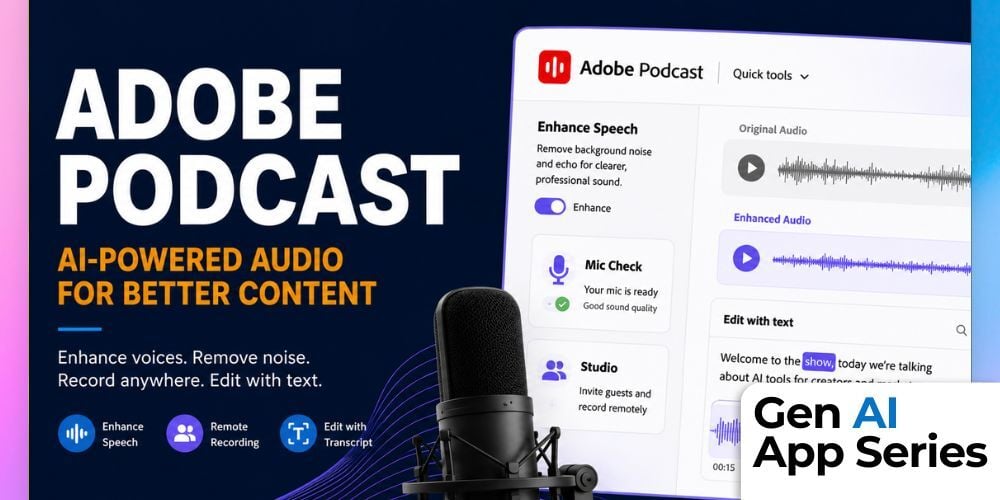
Poor audio quality can undermine even the most valuable content. In the latest course in the Gen AI App Series, we explore Adobe Podcast, an AI-powered audio toolkit that helps creators, marketers, and business teams transform rough recordings into studio-quality audio directly from the browser. Whether you're recording podcasts, webinars, interviews, or video content, Adobe Podcast aims to make professional audio production accessible without expensive equipment or technical expertise.
In this hands-on review, Claire Prudhomme demonstrates how Adobe Podcast's AI-powered features can dramatically improve voice recordings by reducing background noise, minimizing room echo, and enhancing speech clarity. You'll see how the platform supports solo and remote recording, enables transcript-based editing, and helps users create polished audio experiences with tools designed specifically for modern content creation workflows.
As part of the Gen AI App Series, this course helps you quickly evaluate whether Adobe Podcast deserves a place in your content creation toolkit. You'll learn where the platform excels, where its limitations exist, and whether the free or premium version makes the most sense for your needs. Members of the AI Mastery Membership gain access to this course along with a growing library of practical AI training designed to help professionals stay current with rapidly evolving AI technologies.
What You'll Learn
- Evaluate how Adobe Podcast uses AI to improve voice clarity, reduce background noise, and minimize room echo
- Record high-quality solo or remote guest audio directly in the browser
- Edit audio content by editing automatically generated transcripts
- Explore AI-powered tools for podcast music and voice generation
- Understand how Enhance Speech compares to traditional audio cleanup tools
- Learn how Adobe Podcast Studio simplifies remote recording and collaboration
- Use Mic Check to identify and prevent recording quality issues before you start
- Assess pricing options and determine whether the free or premium plan is right for you
How to Watch
Each week, the Gen AI App Series releases a focused walkthrough from Mike Kaput, Claire Prudhomme or members of the AI Academy Instructor Network. You’ll see the ins and outs of a single AI tool, from productivity apps and research assistants to image, video, and generative media platforms. We want you to leave with a better of understanding of if, when, and how it fits into your workflow.
Courses are also available for individual purchase and are included with AI Mastery Memberships. Watch or purchase the course here: Adobe Podcast.
This article was written with support from ChatGPT

Jeremy Zimmer
Jeremy Zimmer is the Director of Marketing for AI Academy by SmarterX.