
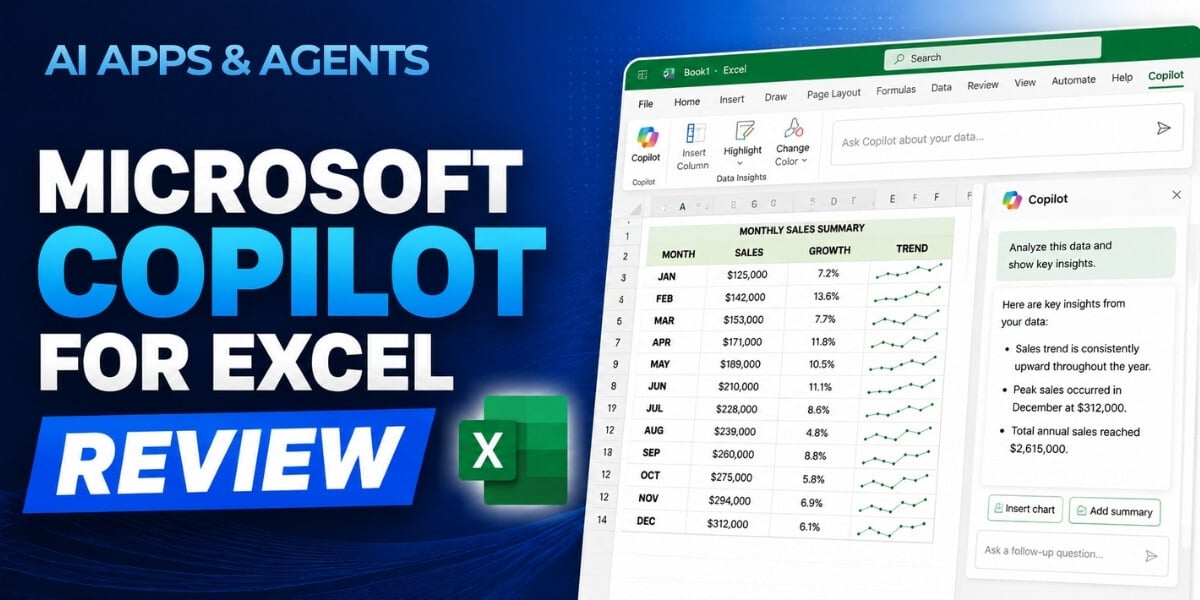
Manual spreadsheet work can slow down the path from data to answers. Our new AI Apps & Agents course, Microsoft Copilot for Excel, shows you how Copilot can help with common Excel tasks while keeping you in control of the results.
Led by Elizabeth Shaw, founder of Foghorn Innovation, this beginner-level course gives you a practical look at what Copilot in Excel can do today, where it can save time, and how to verify its work before relying on it.
What You’ll Learn
In about 20 minutes, you’ll explore how Copilot fits into the Excel experience you already know. The course covers its core capabilities, including generating formulas from plain-language requests, cleaning and organizing data, building PivotTables and charts, and surfacing insights from your numbers.
You’ll also learn how to recognize which recurring spreadsheet tasks are good candidates for Copilot, weigh its strengths against its limitations, and review the changes it makes to your workbook.
See Copilot in Excel in Action
A hands-on, ten-minute demonstration puts these capabilities into context using a real dataset. You’ll see Copilot write formulas, clean data, build a PivotTable and chart, and help identify trends.
Just as importantly, the course shows you how to inspect and confirm Copilot’s work. The goal is not simply to automate spreadsheet tasks, but to understand what the tool changed and verify the output before you use it.
Questions This Course Answers
- What is Copilot in Excel, and how is it different from working in Excel on your own?
- What can Copilot actually do today, and what still requires human judgment?
- Which recurring spreadsheet tasks can it take on?
- How can you see and confirm the changes Copilot makes to a workbook?
Who Should Take This Course?
Microsoft Copilot for Excel is designed for professionals who use Excel in their everyday work, teams that create or depend on recurring spreadsheets and reports, and anyone with a Microsoft 365 Copilot license who wants to get more value from Excel.
No advanced AI expertise is required. The course is beginner-friendly and focused on practical, everyday spreadsheet work.
About the Instructor
Elizabeth Shaw is the founder of Foghorn Innovation, an AI advisory firm. A former Gartner and Forrester analyst, she has more than 20 years of experience shaping strategy at companies including Sephora and Cisco. She has advised organizations including HBO, Chime, and Warner Music Group, and has been featured in The New York Times, Bloomberg, and Forbes.
How to Watch
You can access Microsoft Copilot for Excel through AI Academy.
The course is available to AI Mastery Membership members and is also available for individual purchase.
This blog was written with support from ChatGPT.

Jeremy Zimmer
Jeremy Zimmer is the Director of Marketing for AI Academy by SmarterX.