
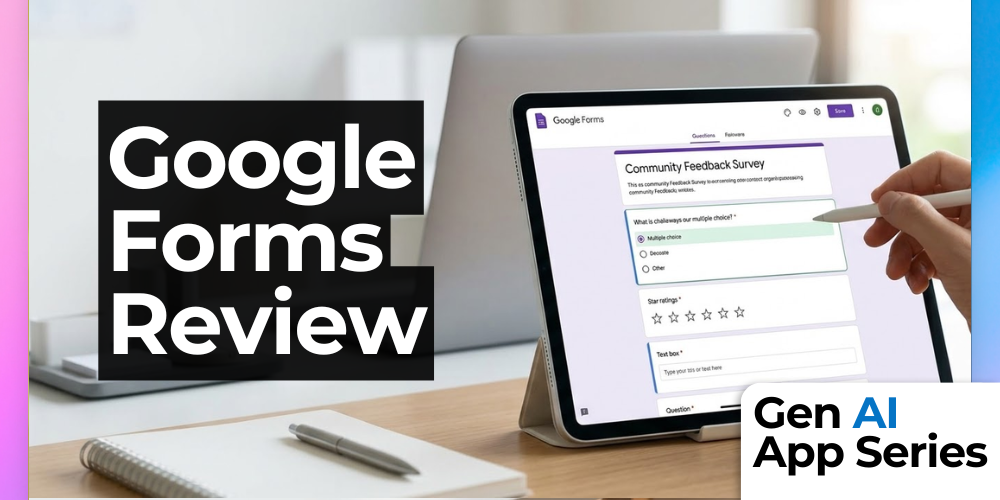
What if the surveys you already rely on could instantly analyze themselves the moment responses start coming in? In this class from the Gen AI App Series, you’ll explore how Google Forms is evolving from a simple data collection tool into an AI-powered insights engine. With Gemini built directly into the experience, Google Forms can now help you create, refine, and interpret surveys faster than ever before.
In just 15 minutes, this beginner-friendly class walks through how AI can generate entire forms from a simple prompt, suggest smarter and more effective questions, and automatically summarize open-ended responses. Instead of spending hours combing through feedback, you’ll see how Google’s AI surfaces key themes and even builds visualizations in real time as responses roll in. It’s a practical look at how a familiar tool is becoming significantly more powerful with minimal effort required from you.
This class is especially valuable for anyone already using Google Forms for surveys, polls, or internal feedback. You’ll get a clear breakdown of what the AI features can and cannot do today, how they compare across free and paid versions, and when it makes sense to rely on automation versus manual analysis. By the end, you’ll be equipped to decide whether these new capabilities fit into your workflow and how to start using them immediately.
What You’ll Learn
- Create full surveys in seconds using AI-powered form generation
- Expand and improve your forms with AI-suggested questions
- Automatically summarize open-ended responses to extract key insights
- Review AI-generated data visualizations that update in real time
- Evaluate whether Google Forms’ AI features fit your workflow and budget
How to Watch
The Gen AI App Series is included with AI Mastery Memberships. Episodes are also available for individual purchase.
Each week, you’ll get a focused walkthrough from Mike Kaput, Claire Prudhomme or members of the AI Academy Instructor Network. You’ll see the ins and outs of a single AI tool each week, from productivity apps and research assistants to image, video, and generative media platforms. We want you to leave with a better of understanding of if, when, and how it fits into your workflow.
Watch or purchase this course here.
This article was written with support from ChatGPT

Jeremy Zimmer
Jeremy Zimmer is the Director of Marketing for AI Academy by SmarterX.