
Meetings are supposed to be about conversations, decisions, and collaboration. But when you're busy taking notes, it's easy to miss important details or lose track of what needs to happen next.
What if AI could handle the note-taking so you could focus on the conversation?
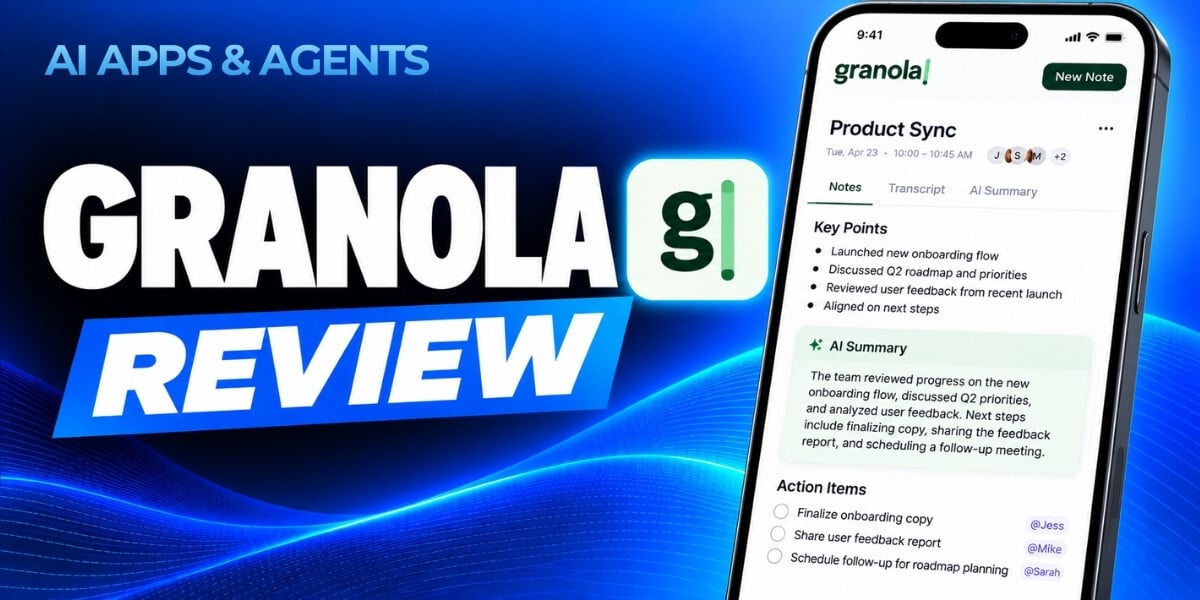
That's the idea behind Granola, an AI-powered notepad that captures meeting conversations without adding a bot to your calls. It combines your own notes with AI-generated content to create organized summaries, action items, and meeting briefs.
In our newest AI Apps & Agents Series course, we explore how Granola works, demonstrate its key features, and examine its strengths, limitations, and privacy considerations.
The 15-minute course is designed to help you decide whether Granola deserves a place in your workflow.
What Makes Granola Different?
Unlike meeting assistants that join Zoom or Google Meet calls as visible participants, Granola uses your computer's audio to capture conversations without introducing another bot into the meeting.
But capturing conversations is only the beginning.
Granola lets you combine notes you've written before or during a meeting with AI-generated notes, then enhance that information into more useful, structured records.
The platform also includes customizable meeting templates, built-in AI prompts called Recipes, and a Chat feature that lets you ask questions across multiple meetings.
For users who want to connect their meeting knowledge to other AI tools, Granola also offers a Model Context Protocol (MCP) connector that can bring meeting notes into tools such as Claude, ChatGPT, and Cursor.
The result is a tool designed to help you spend less time documenting conversations and more time participating in them.
What You'll Learn in This Course
Our AI Apps & Agents Series: Granola course provides a practical walkthrough of the platform and its capabilities.
You'll learn how to:
- Capture meetings without a bot. Understand how Granola uses your computer's audio to capture conversations without joining calls as a separate participant.
- Set up your meeting workflow. Connect Granola to your calendar and combine personal notes with AI-generated meeting content.
- Organize notes with templates. Explore built-in meeting templates and create custom formats for different types of conversations.
- Put Recipes to work. Use Granola's built-in prompts to catch up during meetings, draft follow-up emails, identify to-dos, and prepare for your day.
- Find information across meetings. Use Granola Chat to ask questions about previous conversations and check answers using inline citations.
- Connect your notes to other AI tools. Explore how Granola's MCP connector works with AI assistants such as Claude and ChatGPT.
- Evaluate privacy and practical limitations. Understand the considerations around meeting consent, privacy controls, and subscription requirements.
The course includes demonstrations of live note-taking, before-and-after examples of enhanced notes, and a walkthrough of Granola's AI-powered features.
Beyond Meeting Notes: Building a More Useful Meeting Memory
One of Granola's more interesting capabilities is its potential to make information from past meetings useful long after the conversation ends.
Think about the information buried in recurring team meetings, customer calls, interviews, and project discussions. Important decisions and insights can be difficult to find when they're scattered across individual documents.
Granola Chat lets you work across meeting notes to ask questions and retrieve relevant information, with inline citations that help you verify the answers.
Its MCP connector takes that concept further by allowing meeting information to be accessed through other AI tools.
In the course, we'll demonstrate these capabilities and discuss how they compare with other approaches to organizing and working with information, including tools such as Gemini Notebook and Claude Projects.
We'll also examine the practical considerations that matter before adopting Granola, including accuracy, privacy, consent, and the subscription requirements associated with connecting external AI tools.
Who Should Take This Course?
This course is especially useful for professionals who spend significant time in meetings and want to make those conversations more productive.
That includes managers running recurring one-on-ones, team leads organizing project discussions, sales and customer success professionals managing client conversations, and researchers looking for patterns across interviews.
It's also relevant to anyone interested in using AI to build a more accessible record of conversations, decisions, and follow-up tasks.
You don't need advanced technical experience to get started. The course is designed for beginner to intermediate learners and focuses on practical demonstrations rather than technical complexity.
How to Watch
Course: AI Apps & Agents Series: Granola
Level: Beginner to Intermediate
Duration: 15 minutes
Released: October 2026
The AI Apps & Agents Series delivers rapid-fire, expert reviews of emerging AI tools and features to help you make informed decisions about what to try, what to adopt, and what might not be worth your time.
Start Learning About Granola
AI meeting assistants promise to reduce administrative work, but understanding what they actually do, how well they perform, and what tradeoffs they introduce is essential before making them part of your workflow.
In just 15 minutes, our Granola course will help you understand the platform's core features, see its capabilities in action, and evaluate whether it's a good fit for your meetings and existing AI tools.
Watch AI Apps & Agents Series: Granola to explore the tool and decide whether it's worth testing for yourself.
This course is available to AI Mastery Membership members and is also available for individual purchase.
This blog was written with support from ChatGPT.

Jeremy Zimmer
Jeremy Zimmer is the Director of Marketing for AI Academy by SmarterX.