
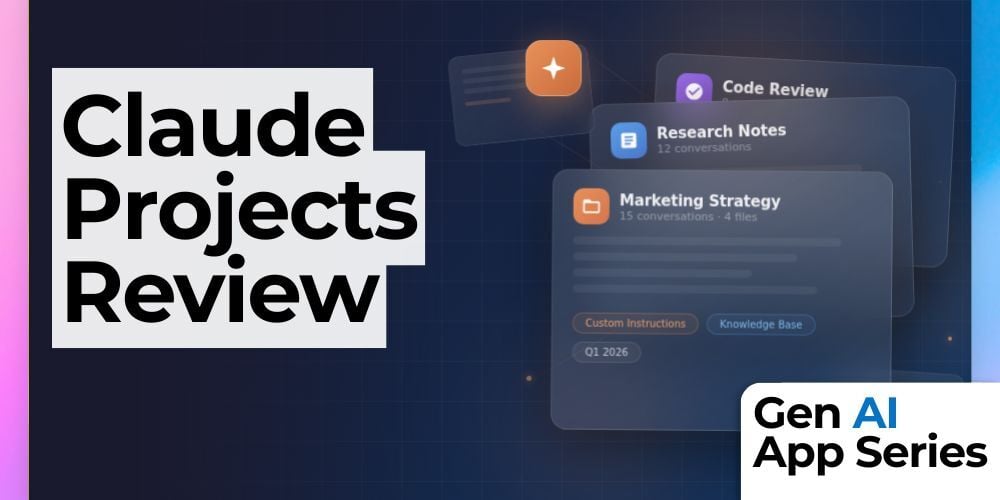
If you use AI every day, you know the frustration. You open a new chat and have to re explain your business, your brand voice, your documents, and your goals from scratch. In this class from the Gen AI App Series, you will see how Claude Projects eliminates that problem by turning Claude into a persistent, specialized expert that already knows your context.
Claude Projects lets you create dedicated AI workspaces with permanent knowledge and custom instructions. Instead of starting over every session, you can upload documents once, define how you want Claude to think and respond, and return to the same setup whenever you need it. The result is faster workflows, more consistent outputs, and far less repetition.
In this class, Mike Kaput walks through Claude Projects step by step, showing how to build multiple projects for different areas of your work. You will see real examples of uploading brand guidelines, setting instructions that shape every response, and using Claude as a reliable partner that adapts to your needs without constant reminders.
What You’ll Learn
- How to create and configure Claude Projects for different business use cases
- How to upload documents as persistent knowledge Claude references automatically
- How to write custom instructions that produce consistent, on brand outputs
- How to organize separate Claude Projects for different types of work
- How to decide whether the free or paid tier of Claude Projects is right for you
How to Watch
This class is part of the Gen AI App Series, a collection of fast, practical walkthroughs that help you evaluate and adopt new AI tools quickly.
The Gen AI App Series is available exclusively to AI Mastery Members. Each week, you’ll get a focused walkthrough from Mike Kaput and Claire Prudhomme. You’ll see the ins and outs of a single AI tool each week, from productivity apps and research assistants to image, video, and generative media platforms. We want you to leave with a better of understanding of if, when, and how it fits into your workflow. Become an AI Mastery Member today.
AI Mastery Members can view this class here.
This article was written with support from ChatGPT

Jeremy Zimmer
Jeremy Zimmer is the Director of Marketing for AI Academy by SmarterX.